Leeds Food Aid Network
Return to Home
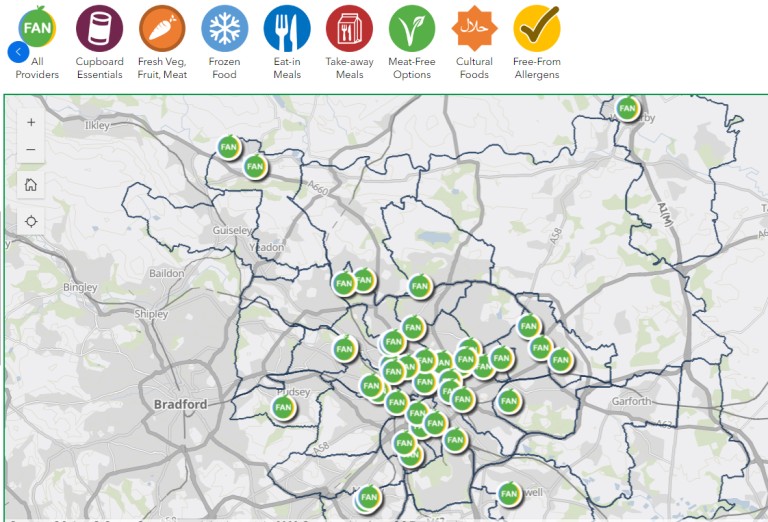
Emergency Food Map
Click Image of map Below to be redirected to food support:
Instructions to operate the map:
- 1. Open the map
by clicking the image and be redirected to leeds food aid network page
- 2. Move around the map
using your mouse or touchscreen. To select individual locations zoom in and press/click on them.
- 3. After selecting a location
This shows:
-Address
-Opening times
-Type of service
-Contact details
-Website link
- 4. To find a specific location use the search bar and type in the name.
You can filter the type of support you wish to seek.
- 5. Check details before visiting:
-Opening times
-Eligibility
Not all services are drop-in